现在已经能看到效果并能通过prompts获取内网testlink的case信息了,那么再加一个创建case的,从需求到用例再到脚本的流程就串通了。
创建case可以只定义一个创建单个case的方法就行了,若生成了多个case信息的话copilot自己知道应该调用多次。
也可以定义一个方法用于多个case的创建,不过需要考虑case生成后需要放到不同的test suite里,多加一点逻辑。
新加一个方法:
@app.tool()
async def create_test_case(
        project: str,
        suite_id: str,
        name: str,
        author_login: str,
        summary: str,
        steps: list[dict],
        preconditions: str = ""
) -> dict:
    """Creates a new test case in specified test suite of a project in testlink."""
    try:
        tl = handle_headers().get_client()
        project_prefix = None
        project_id = None
        for p in tl.getProjects():
            if project == p["name"]:
                project_prefix = p["prefix"]
                project_id = p["id"]
                break
        if project_prefix is None:
            return {"error": f"Project '{project}' not found."}
        if steps and not isinstance(steps, list):
            return {"error": "Steps must be a list of dictionaries."}
        result = tl.createTestCase(
            testcasename=name,
            testsuiteid=suite_id,
            testprojectid=project_id,
            authorlogin=author_login,
            summary=summary,
            steps=steps,
            preconditions=preconditions
        )
        return {"created case id": f"{project_prefix}-{result[0]["additionalInfo"]["external_id"]}"}
    except Exception as e:
        return {"error": f"Failed to create test case: {str(e)}"}
可以看到,创建case需要的信息比较多,也是因为testlink作为老旧项目,它的api并不能算完善。比如说既然已经提供了api key,却又要求提供登陆名,登陆名和api key不匹配会报错,可是它又不提供通过api key获取用户名的api。
另外对于testlink的api,创建case时是需要提供project_id的,但是这对于使用者来说麻烦一些,往往只知道project name,这里做了一个处理,传递project的名字,然后找到了对应的project的id,以id为参数传入。使用上会方便一些。
不过testlink的api中获取project可能会遇到xml的报错,不能直接用getProjects这个方法,那么需要对返回的信息做个处理。增加下面这个方法并替换getProjects:
import re
import xmlrpc.client
import urllib.request


def safe_load(self, method: str = "tl.getProjects"):
    VALID_XML_CHARS_RE = re.compile(
        r"[^\x09\x0A\x0D\x20-\uD7FF\uE000-\uFFFD]"
    )
    req = urllib.request.Request(
        url,
        data=xmlrpc.client.dumps(({"devKey": key},),
                                           methodname=method
                                ).encode("utf-8"),
        headers={"Content-Type": "text/xml"}
    )
    with urllib.request.urlopen(req) as resp:
        raw = resp.read().decode("utf-8", errors="replace")
    result, _ = xmlrpc.client.loads(VALID_XML_CHARS_RE.sub("", raw))
    return result[0]
现在试试通过提示词创建test cases,比如用这句话:
(这里提供jira或者swagger或者wiki让它读取),create test cases in suite 3396926 in project DemoProject in testlink
当然对于case的模板和范围我们在instructions里有提供让copilot来遵守,这里不展示了。
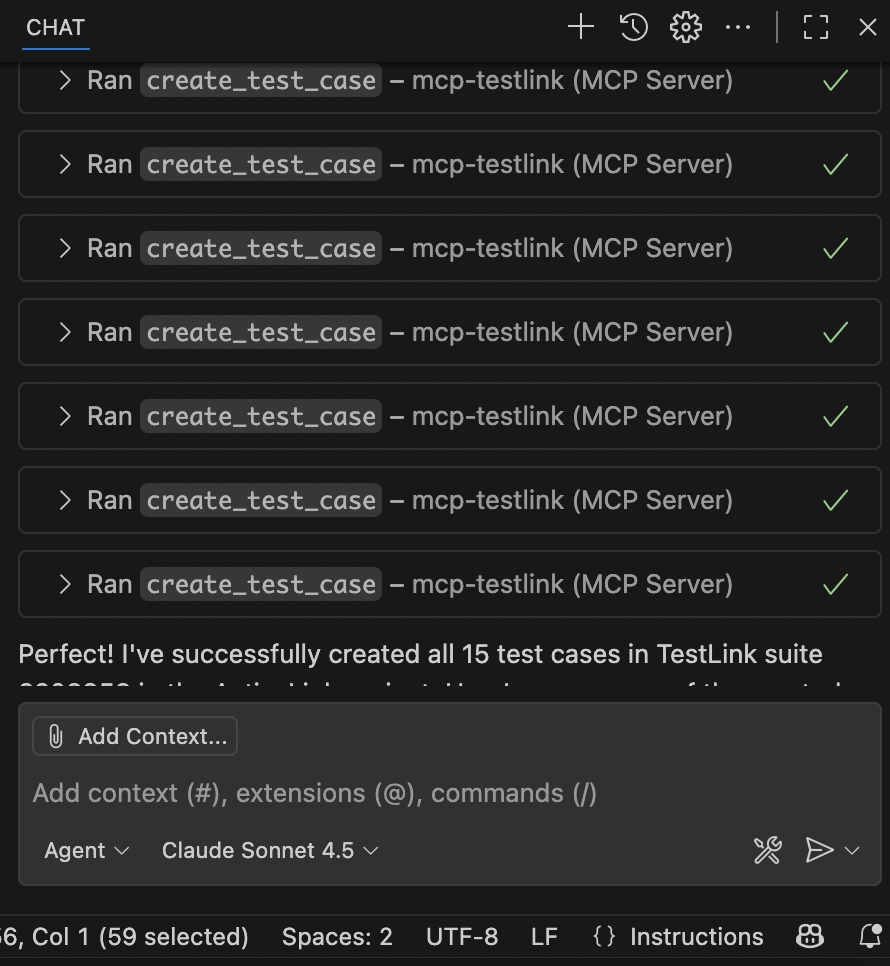
然后打开内网的testlink看一下,从需求中生成的cases全部在testlink上了,省去了手动编辑增加的过程,也提高了工作效率。
文章评论 (0)